Project 1.12.1:Smart Potentiometer
| Description | This project allows you to control the brightness of an LED using a potentiometer. As the potentiometer knob is rotated, the LED brightness increases or decreases smoothly. |
|---|---|
| Use case | Light dimmers, brightness control systems, user input devices, analog sensor demonstrations. |
Components (Things You will need)
 |
 |
 |
 |
 |
 |
|---|---|---|---|---|---|
Things Needed:
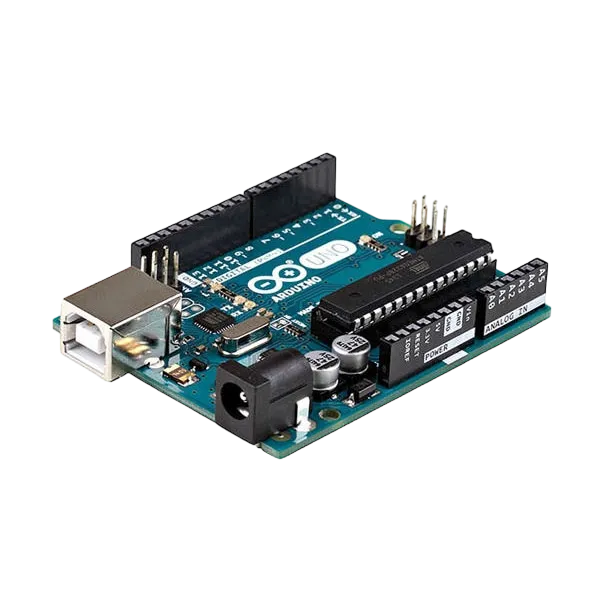
- Arduino Uno = 1
- Arduino USB cable = 1
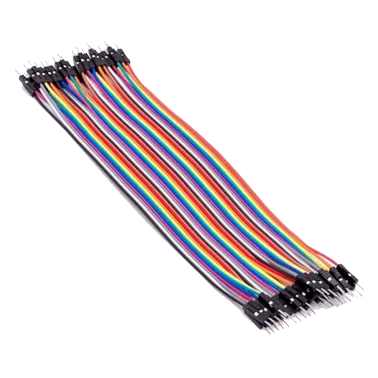
- Jumper Wires
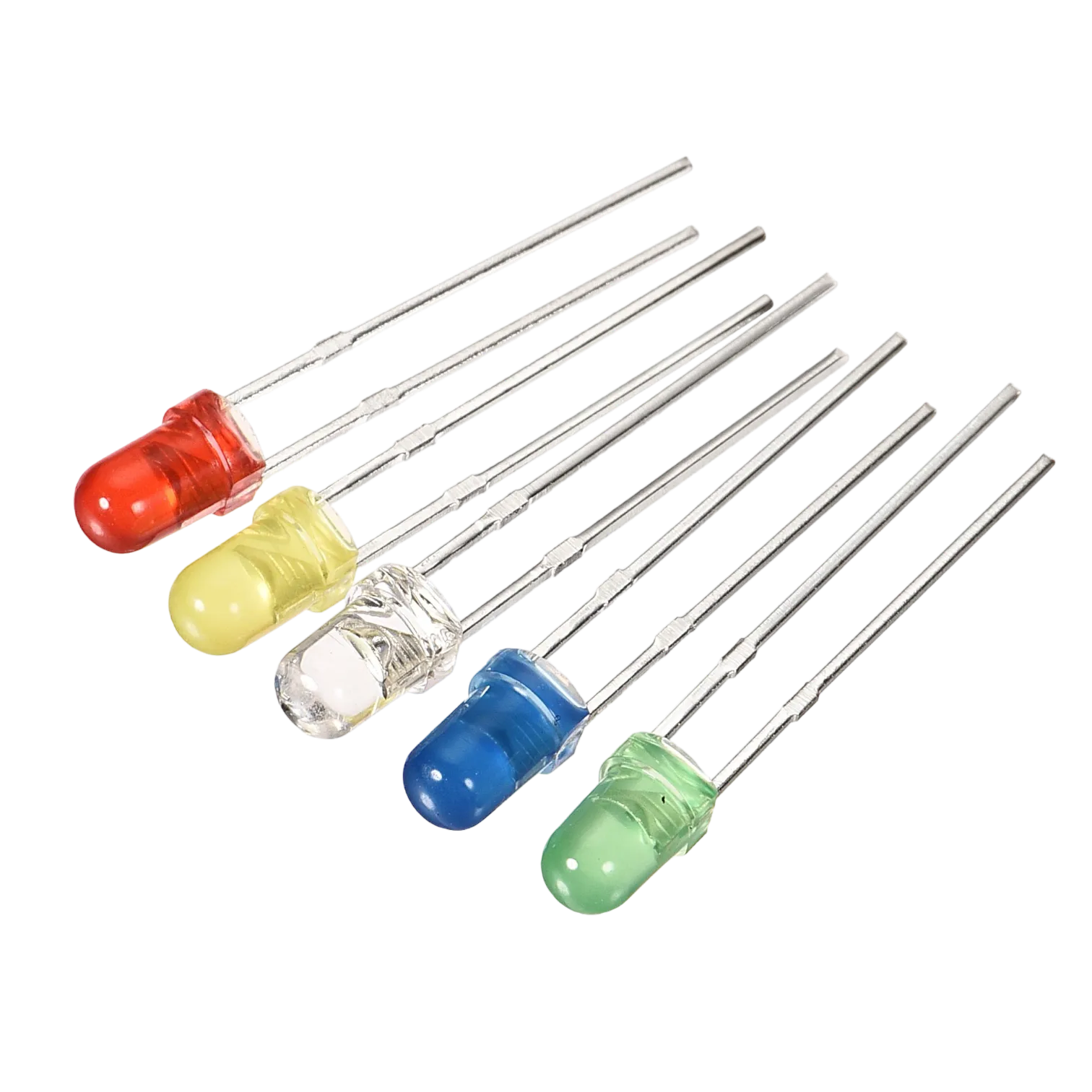
- LED = 1
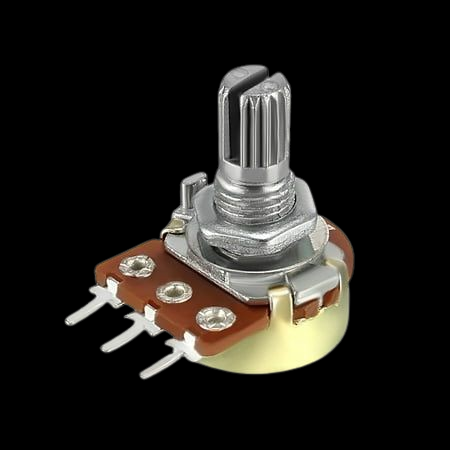
- Potentiometer = 1
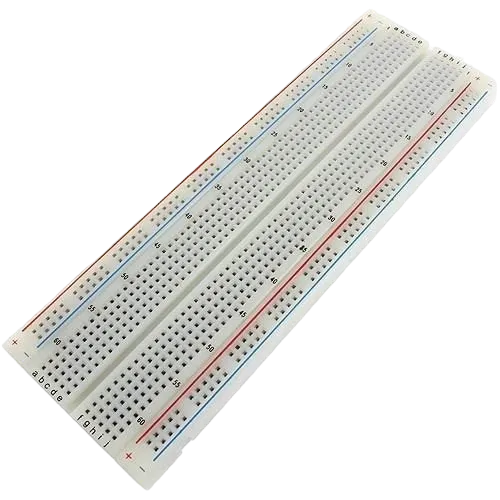
- Breadboard = 1
Mounting the component on the breadboard
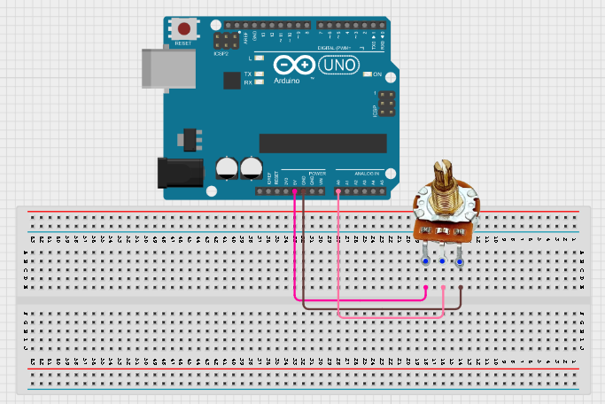
Step 1: Place the potentiometer on the breadboard. Connect the left pin to 5V, the right pin to GND, and the middle pin (wiper) to A0 on the Arduino.
 .
.
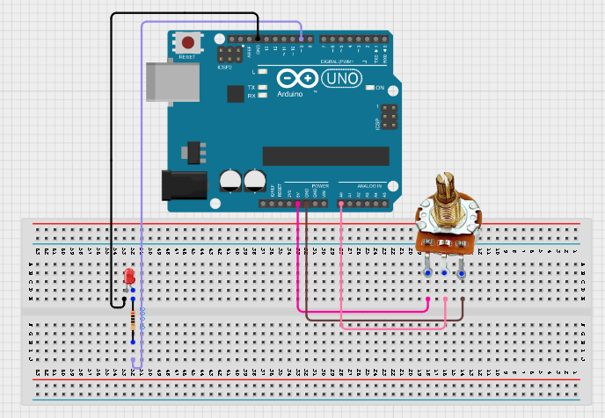
Step2: Place the LED on the breadboard. Connect the longer leg (anode) to one leg of a 220 Ω resistor. Then, connect the other leg of the resistor to Digital Pin 9 and the shorter leg (cathode) to GND on the Arduino.
 .
.
Step 3: After completing the wiring, connect the Arduino Uno to the computer using the USB cable.
PROGRAMMING
Step 1: Open your Arduino IDE. See how to set up here: Getting Started.
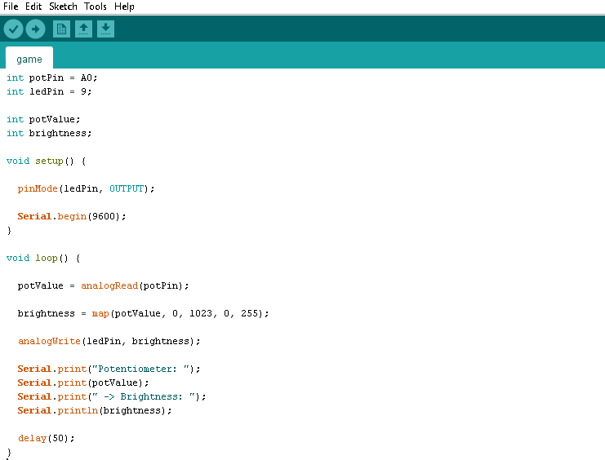
Step 2: Type the following codes
 .
.
Uploading the code
Step 1: Save your code. See the Getting Started section
Step 2: Select the arduino board and port See the Getting Started section:Selecting Arduino Board Type and Uploading your code.
Step 3: Upload your code. See the Getting Started section:Selecting Arduino Board Type and Uploading your code
OBERVATION
When the potentiometer is rotated:
-
Turning it fully counterclockwise makes the LED turn OFF.
-
Turning it slightly increases the LED brightness gradually.
-
Turning it halfway produces medium brightness.
-
Turning it fully clockwise makes the LED reach maximum brightness.
-
The Serial Monitor displays the potentiometer reading and the corresponding brightness value.
CONCLUSION
This project demonstrates analog input reading, PWM output control, voltage division, and signal mapping. It provides a practical introduction to how sensors can be used to control electronic outputs proportionally, a concept widely used in lighting systems, motor speed controllers, and industrial automation.