Project 1.4.5: Green Means Go
| Description | This teaches you how to turn ON and also turn OFF the green light only on the traffic light module. |
|---|---|
| Use case | Programming the green light on the traffic to turn ON which will signal drivers and riders to stop. |
Components (Things You will need)
 |
 |
 |
 |
 |
|---|---|---|---|---|
Building the circuit
Things Needed:
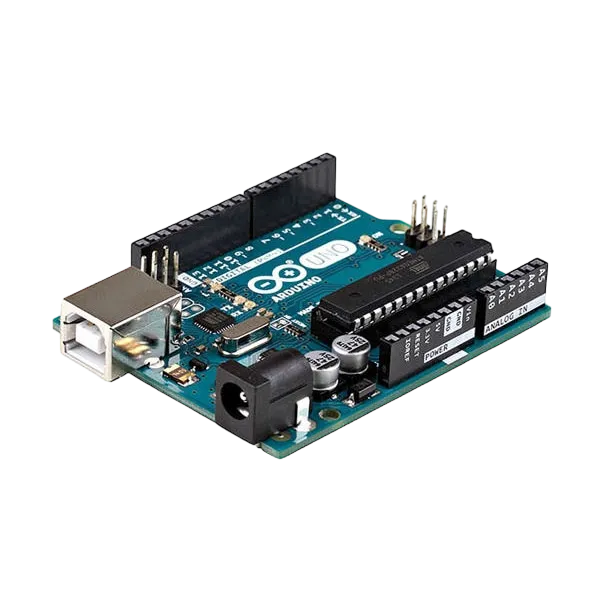
- Arduino Uno = 1
- Arduino USB cable = 1
- Traffic light module = 1
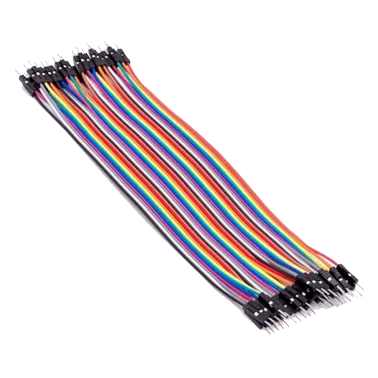
- Jumper Wires
Mounting the component on the breadboard
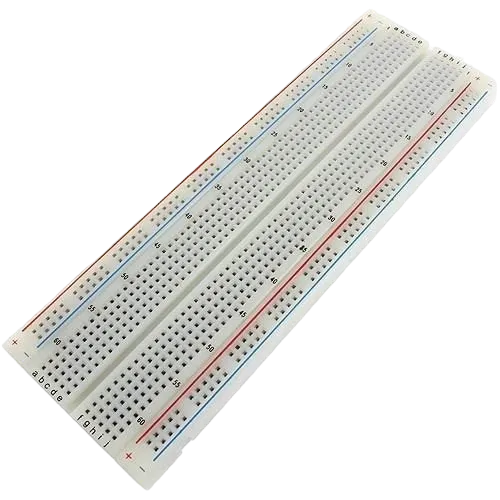
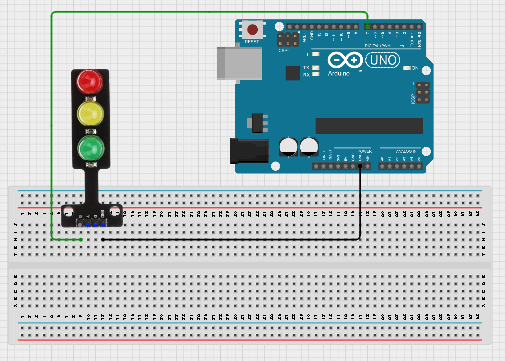
Step 1: Place the traffic light module on the breadboard.
step 2:Connect the G pin of the traffic light module to pin 7 on the Arduino Uno using a jumper wire.
step 3:Connect the GND pin of the traffic light module to GND on the Arduino Uno.
step 4:After wiring, connect the Arduino Uno to the computer using the USB cable.
 .
.
PROGRAMMING
Step 1: Open your Arduino IDE. See how to set up here: Getting Started.
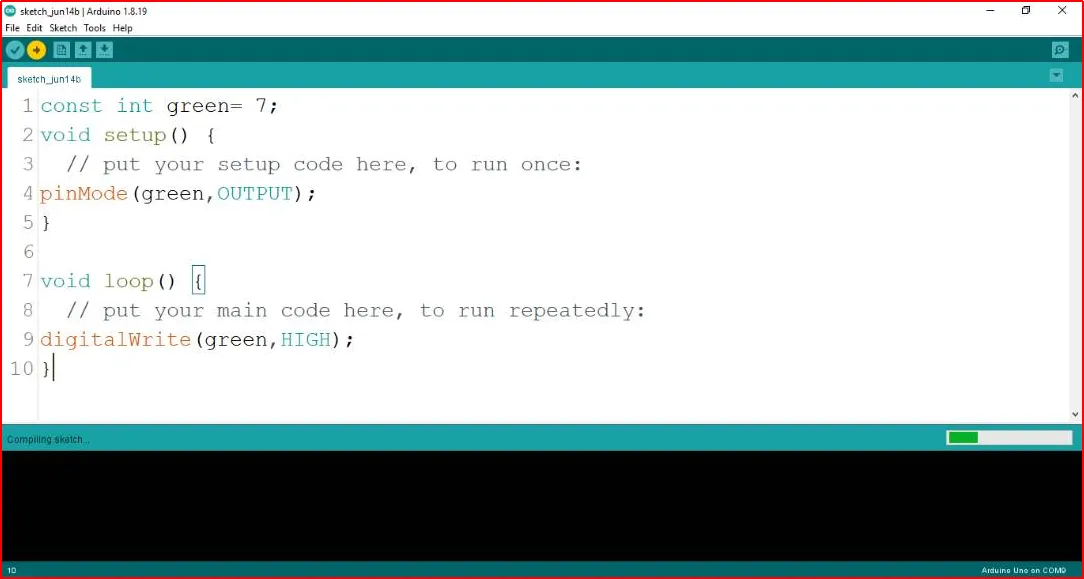
Step 2: Type const int green = 7; before the void setup function.
 .
.
Step 3: Type the following codes in the void setup function as shown below;
pinMode (green, OUTPUT);
 .
.
Step 4: Type the following codes in the void loop function as shown below;
digitalWrite (green, HIGH);
 .
.
The digitalWrite () function controls the state of the pin. The pin can either be HIGH or LOW. The HIGH state turns on the LED. As a result, the code below turns on the LED.
NB: To turn off the green light
Step 5: Change the digitalWrite (green, HIGH); into digitalWrite (green, LOW);.
 .
.
Uploading the code
Step 1: Save your code. See the Getting Started section
Step 2: Select the arduino board and port See the Getting Started section:Selecting Arduino Board Type and Uploading your code.
Step 3: Upload your code. See the Getting Started section:Selecting Arduino Board Type and Uploading your code
OBSERVATION
When the circuit is functioning, observe the green LED of the tgrafic ligth emitting light as expected. This indicates that the LED is receiving the signal correctly from the Arduino and is operating as intended.
CONCLUSION
The project focused on illuminating a green light in a simulated traffic light system offers a foundational understanding of basic electronics and visual signaling. By activating the green LED, participants grasp the concept of circuit connections, output control, and the significance of color-coded signals. This endeavor serves as an essential steppingstone in electronics exploration, emphasizing the importance of clear visual indicators and sparking interest in real-world applications like traffic flow management and safety systems.