Project 1.14.1:Servo-Controlled Drawbridge
| Description | This project simulates a drawbridge using a servo motor. A push button is used to raise and lower the bridge manually. Each press of the button changes the bridge position between lowered and raised states. |
|---|---|
| Use case | Bridge automation systems, mechanical movement demonstrations, smart transportation models, STEM engineering projects. |
Components (Things You will need)
 |
 |
 |
 |
 |
 |
 |
|---|---|---|---|---|---|---|
Things Needed:
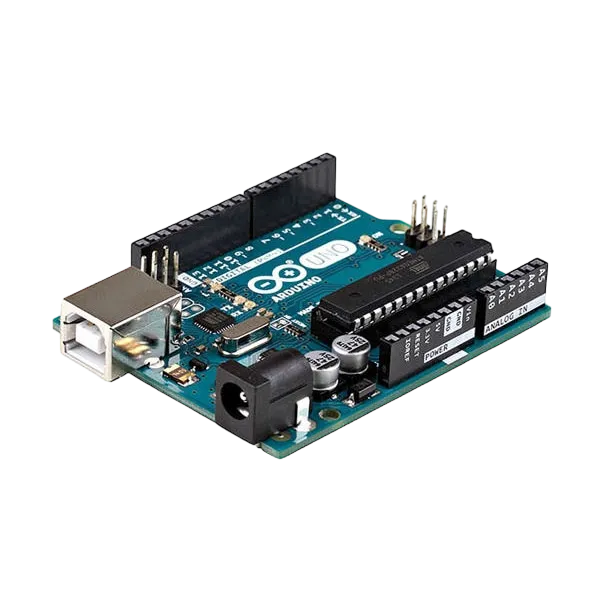
- Arduino Uno = 1
- Arduino USB cable = 1
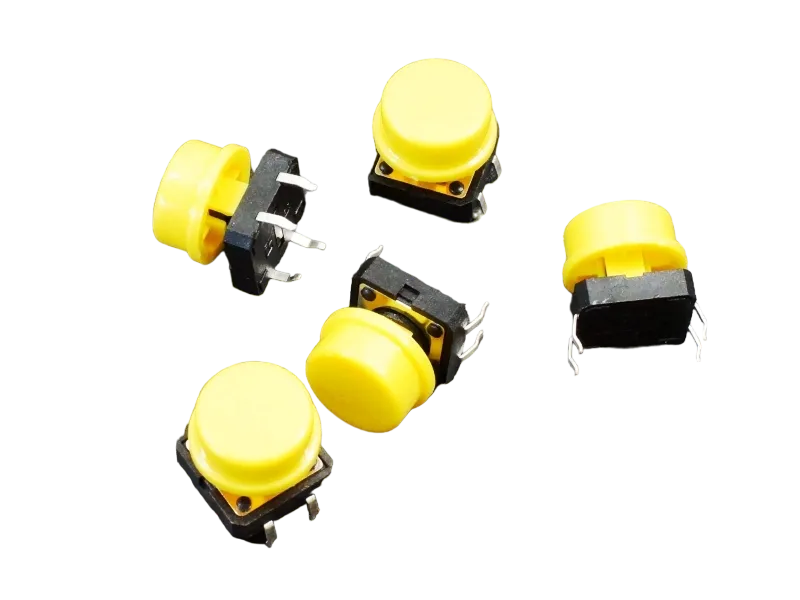
- Push button = 1
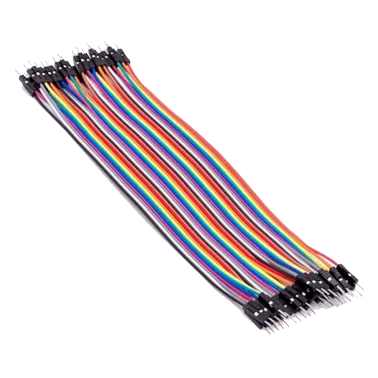
- Jumper wires
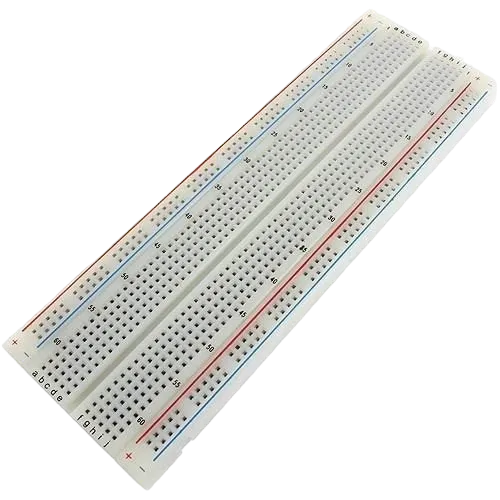
- Breadboard = 1
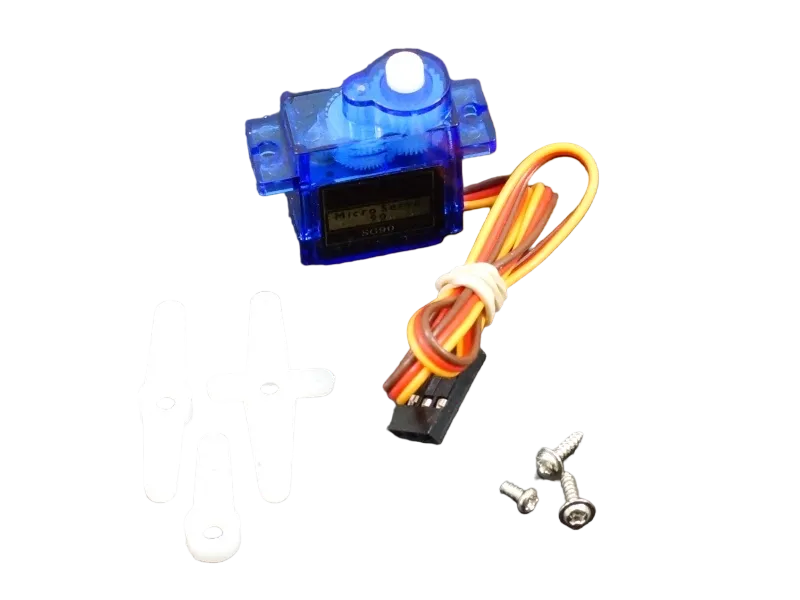
- Servo Motor = 1
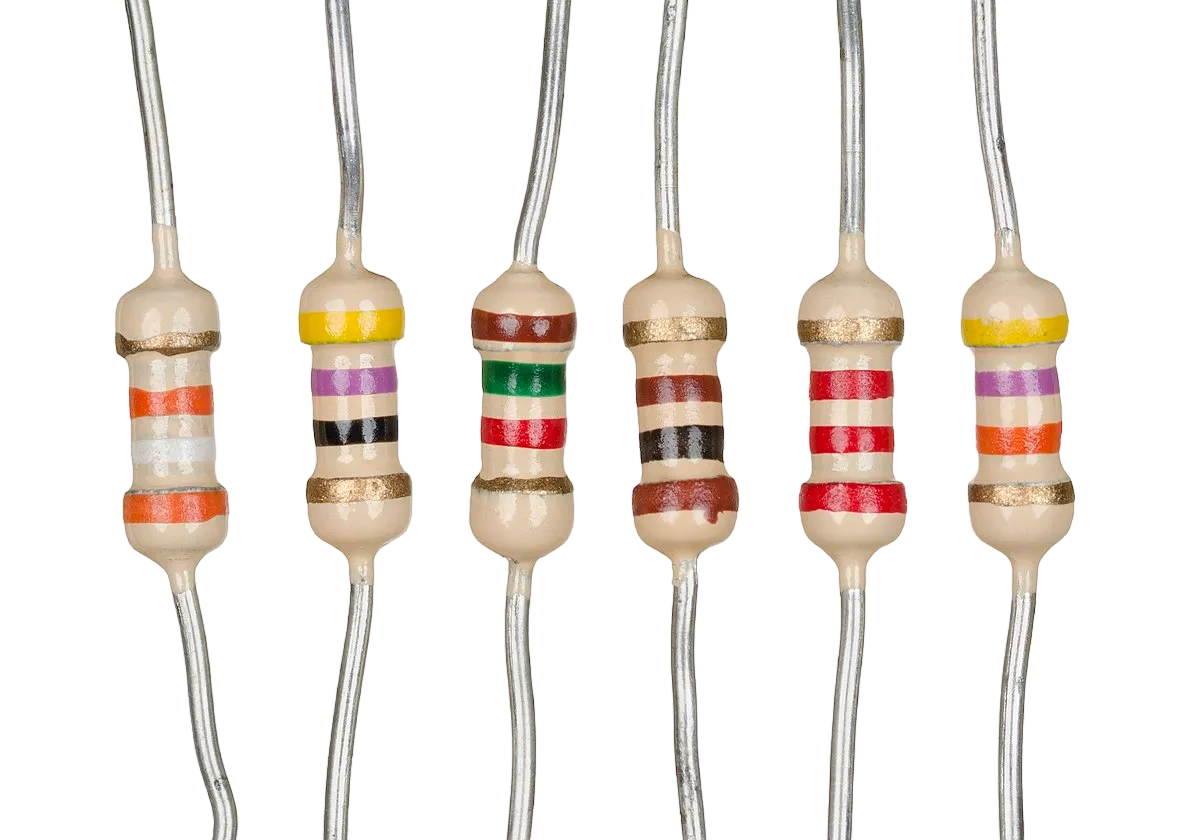
- Resistors
Mounting the component on the breadboard
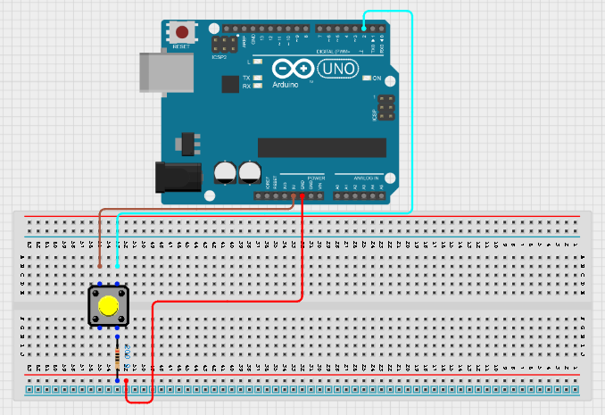
Step 1: Place the push button on the breadboard. Connect one leg to 5V and the opposite leg to Digital Pin 2. Connect one leg of a resistor to the same row as the push button leg connected to Pin 2, then connect the other leg of the resistor to GND.
 .
.
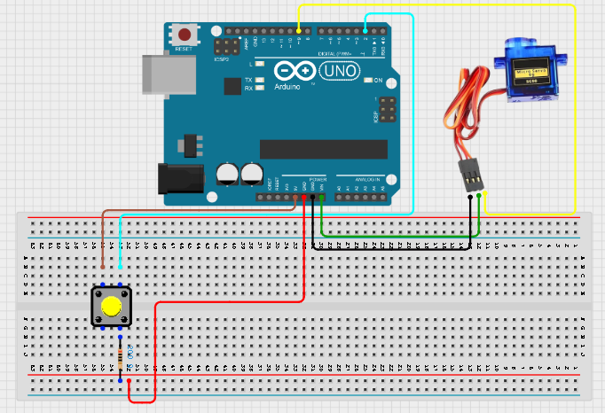
Step 2: Connect the brown wire to GND, the red wire to 5V, and the orange wire to Digital Pin 9 on the Arduino.
 .
.
Step 3: After completing the wiring, connect the Arduino Uno to the computer using the USB cable.
PROGRAMMING
Step 1: Open your Arduino IDE. See how to set up here: Getting Started.
Step 2: Type the following codes;
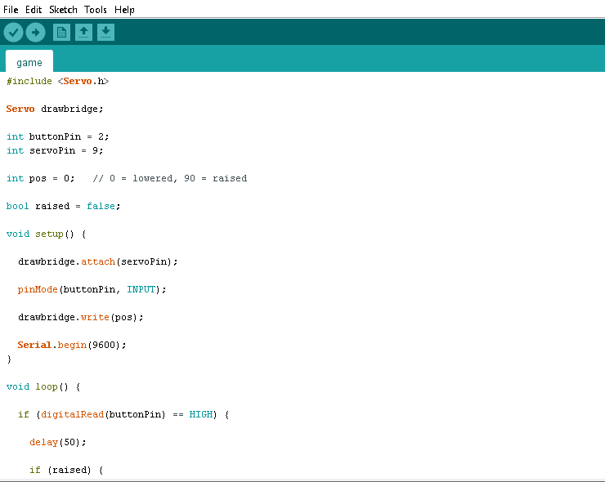 .
.
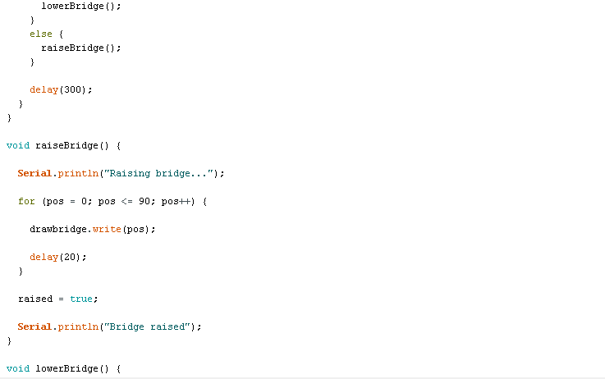 .
.
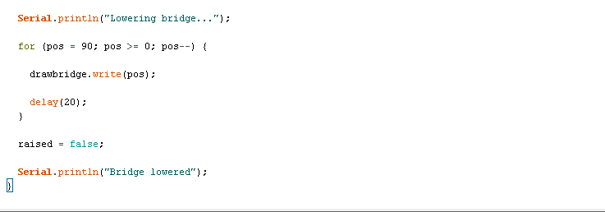 .
.
Uploading the code
Step 1: Save your code. See the Getting Started section
Step 2: Select the arduino board and port See the Getting Started section:Selecting Arduino Board Type and Uploading your code.
Step 3: Upload your code. See the Getting Started section:Selecting Arduino Board Type and Uploading your code
OBERVATION
-
The bridge starts in the lowered position.
-
Pressing the button raises the bridge smoothly.
-
Pressing the button again lowers the bridge smoothly.
-
The servo rotates approximately 90° during each movement.
-
The Serial Monitor displays the bridge status.
CONCLUSION
This project demonstrates servo motor control, digital input handling, mechanical movement simulation, and state-based operation. It provides a practical introduction to automated bridge systems and real-world engineering mechanisms used in transportation and infrastructure.