Project 1.4.1: RED Means Stop
| Description | This teaches you how to turn ON and also turn OFF the red light only on the traffic light module. |
|---|---|
| Use case | Programming the red light on the traffic to turn ON which will signal drivers and riders to stop. |
Components (Things You will need)
 |
 |
 |
 |
 |
|---|---|---|---|---|
Building the circuit
Things Needed:
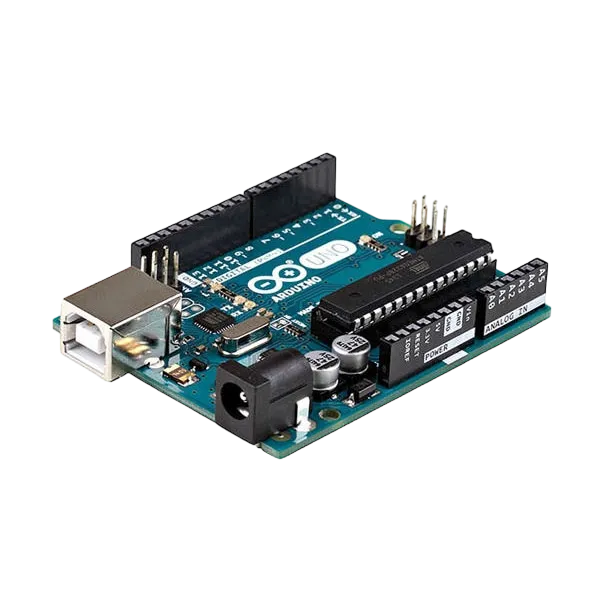
- Arduino Uno = 1
- Arduino USB cable = 1
- Traffic light module = 1
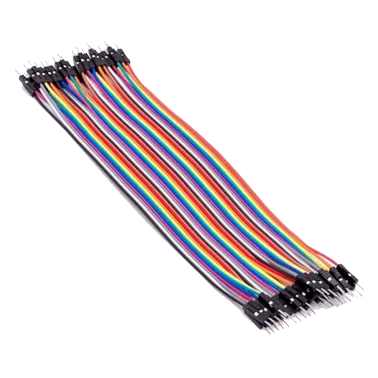
- Jumper Wires
Mounting the component on the breadboard
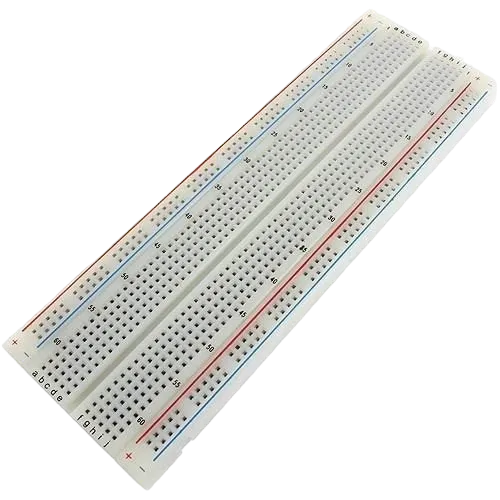
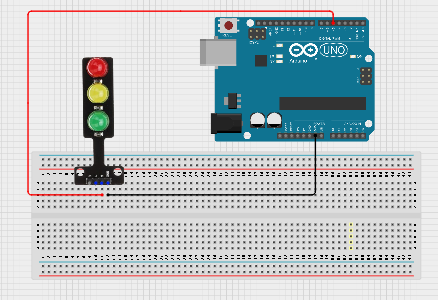
Step 1: Take the Traffic light and the breadboard, insert the Traffic light into the horizontal connectors on the breadboard.
step 2: Connect the R pin of the traffic light module to pin 5 on the Arduino Uno using a jumper wire.
step 3: Connect the GND pin of the traffic light module to GND on the Arduino Uno.
step 4: After wiring, connect the Arduino Uno to the computer using the USB cable.
 .
.
PROGRAMMING
Step 1: Open your Arduino IDE. See how to set up here: Getting Started.
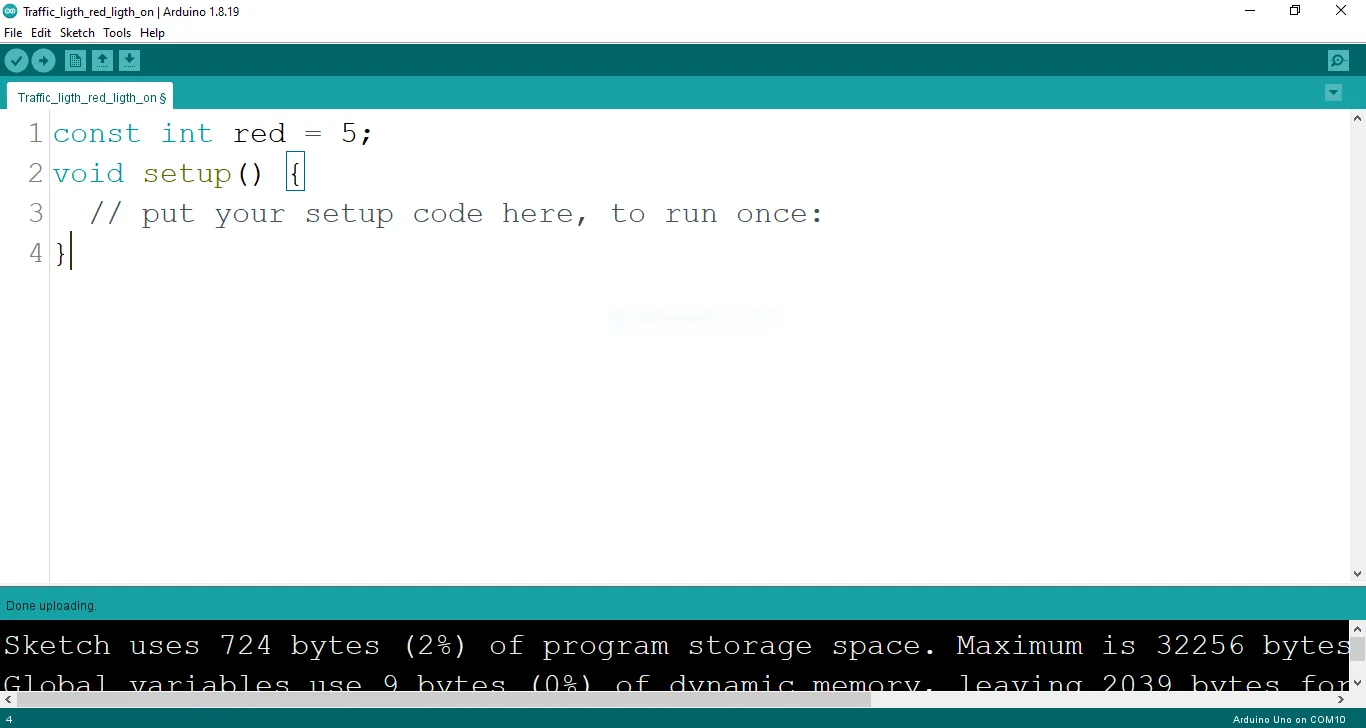
Step 2: Type const int red = 5; before the void setup function.
 .
.
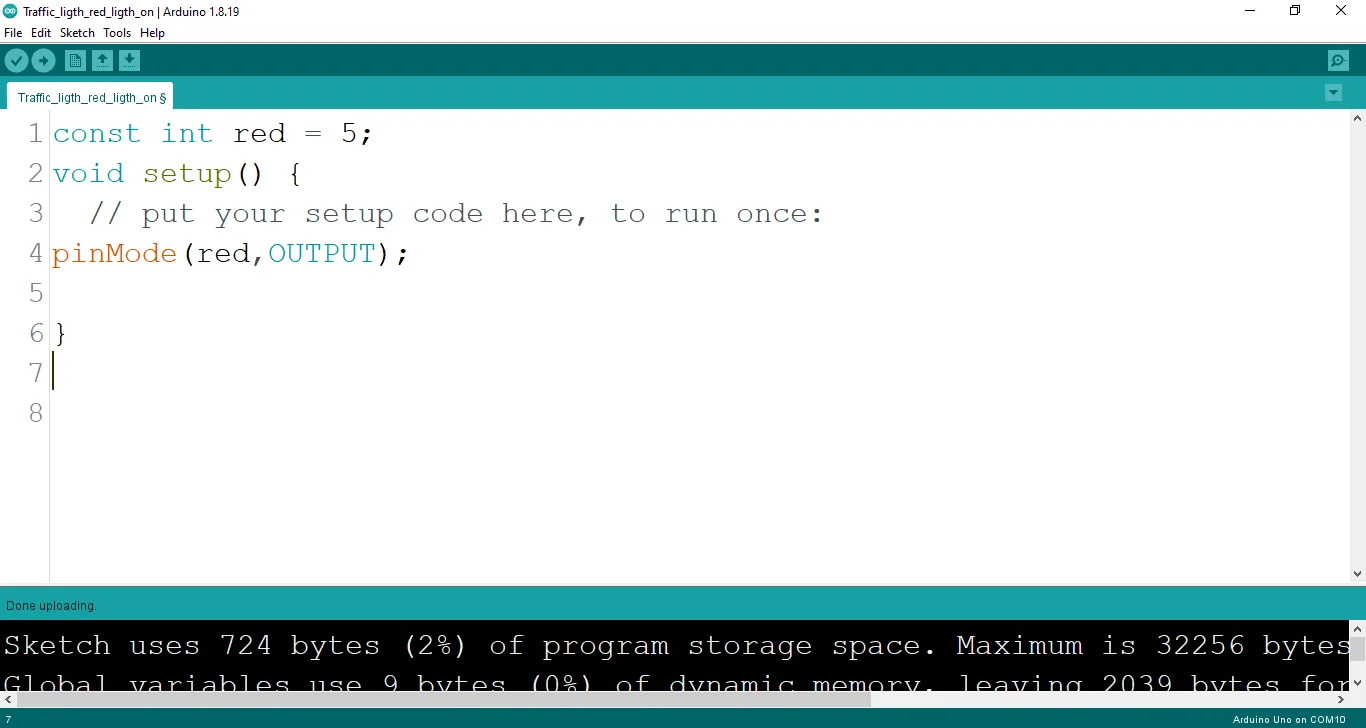
Step 3: Type the following codes in the void setup function as shown below;
pinMode (red, OUTPUT);
 .
.
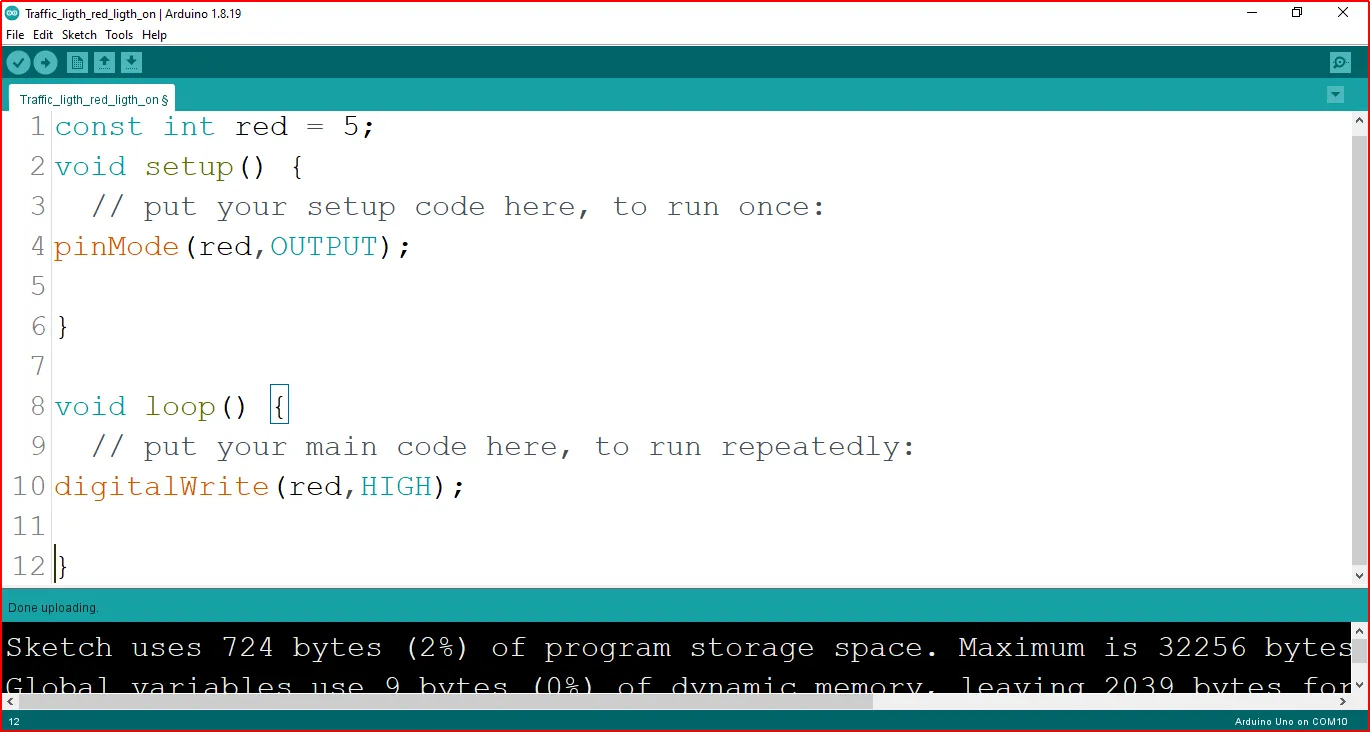
Step 4: Type the following codes in the void loop function as shown below;
digitalWrite (red, HIGH);
 .
.
The digitalWrite () function controls the state of the pin. The pin can either be HIGH or LOW. The HIGH state turns on the LED. As a result, the code below turns on the LED.
NB: To turn off the traffic light
Step 5: Change the digitalWrite (red, HIGH); into digitalWrite (red, LOW);.
Uploading the code
Step 1: Save your code. See the Getting Started section
Step 2: Select the arduino board and port See the Getting Started section:Selecting Arduino Board Type and Uploading your code.
Step 3: Upload your code. See the Getting Started section:Selecting Arduino Board Type and Uploading your code
CONCLUSION
The project centered on the illumination of a red light in a simulated traffic light system provides a fundamental understanding of basic electronics and visual signaling. By lighting the red LED, participants grasp the concept of circuit connections, output control, and the role of color-coded signals. This undertaking serves as a cornerstone in electronics exploration, illustrating the significance of clear visual cues and sparking interest in practical applications, such as traffic management and safety systems.