Project 1.15.1:Distance-based LED Brightness Control
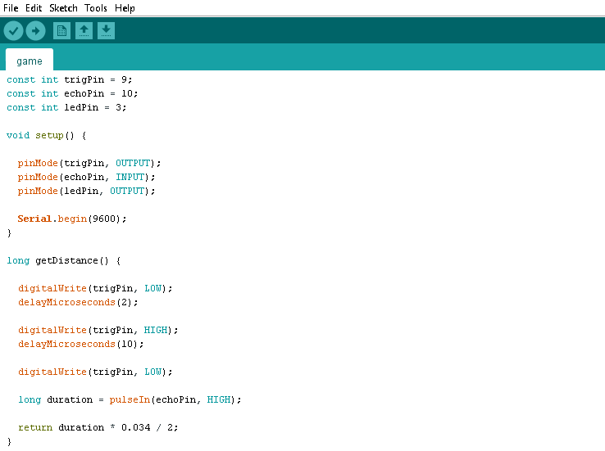
| Description | This project uses an ultrasonic sensor to control the brightness of an LED. As an object moves closer to the sensor, the LED becomes brighter. As the object moves farther away, the LED gradually becomes dimmer. |
|---|---|
| Use case | Touchless lighting systems, proximity-based indicators, parking assistance systems, interactive STEM demonstrations. |
Components (Things You will need)
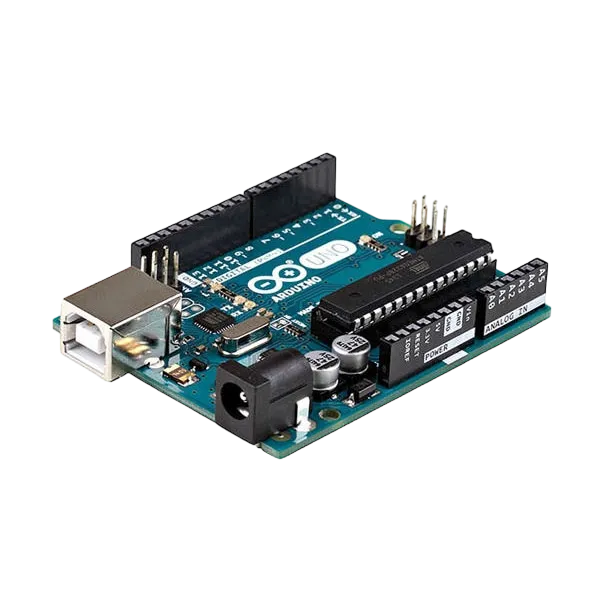 |
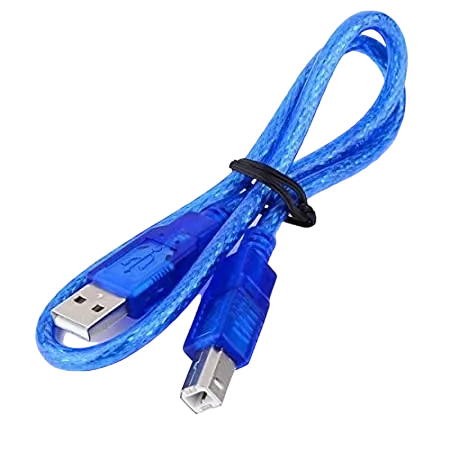 |
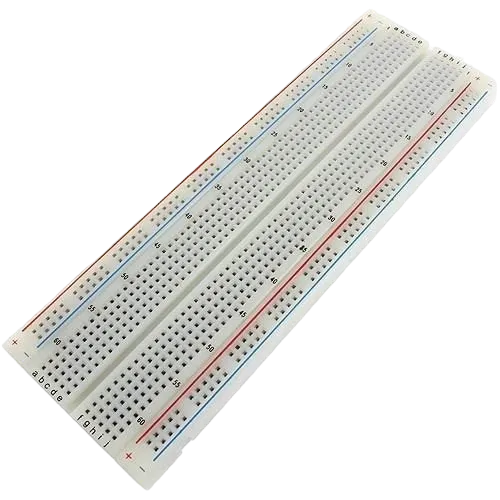 |
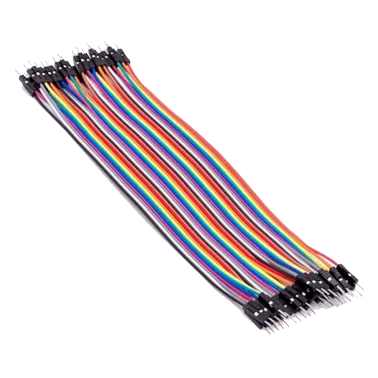 |
 |
 |
|---|---|---|---|---|---|
- Arduino Uno = 1
- Arduino USB cable = 1
- Push button = 1
- Jumper wires
- Breadboard = 1
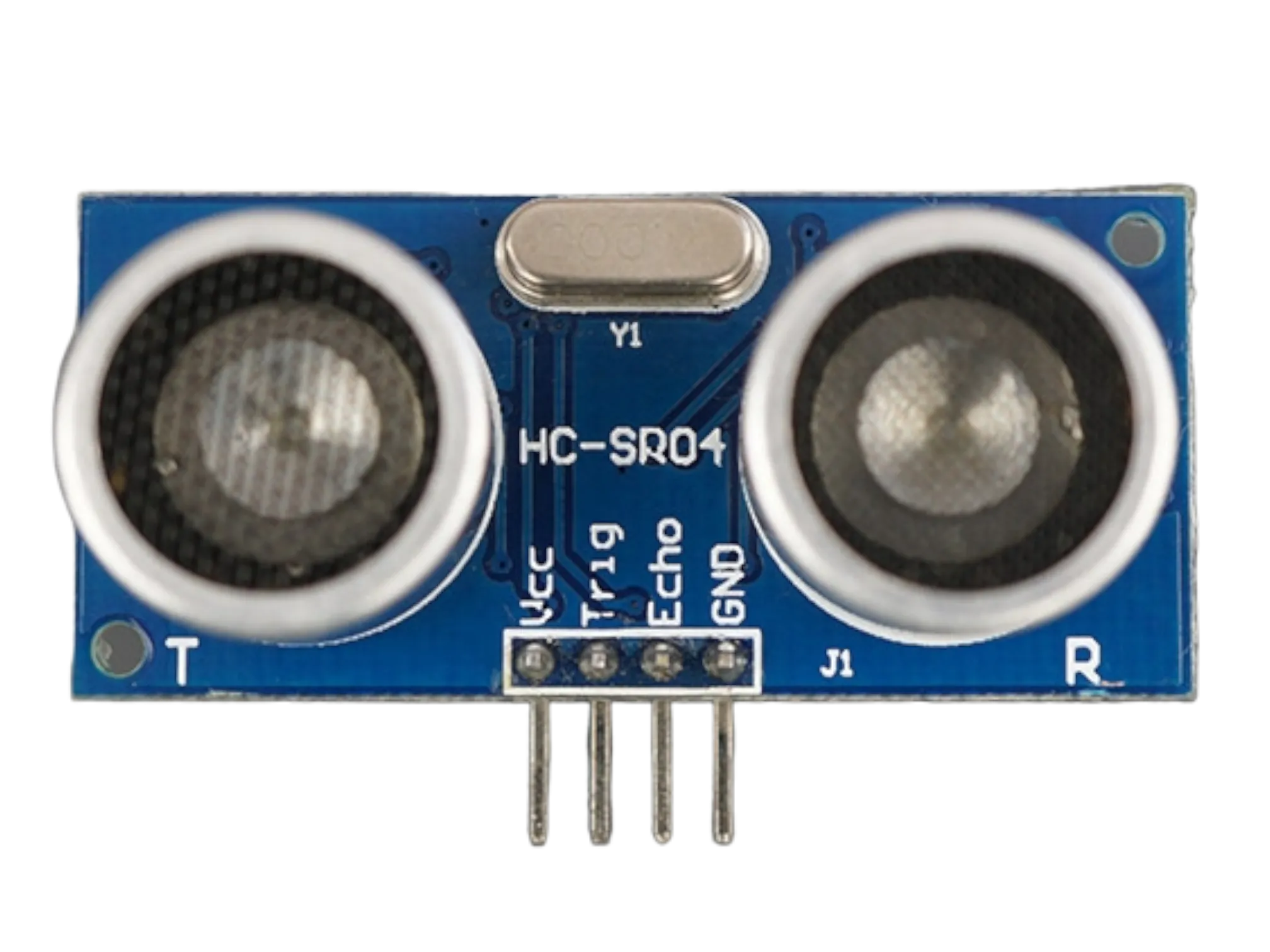
- Ultrasonic sensor = 1
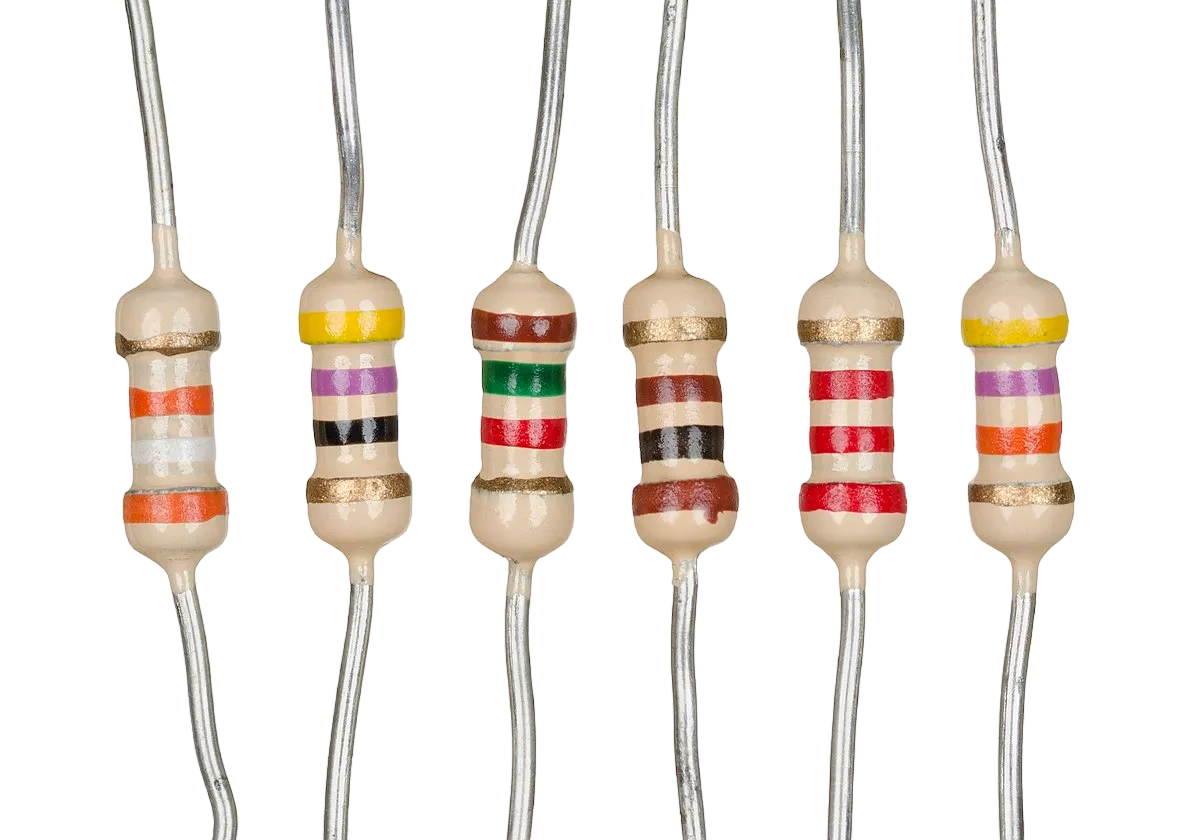
- Resistors
Mounting the component on the breadboard
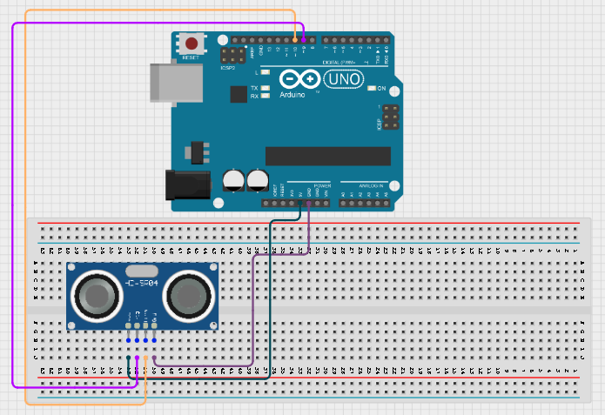
Step: Place the HC-SR04 ultrasonic sensor on the breadboard. Connect the VCC pin to 5V, the GND pin to GND, the TRIG pin to Digital Pin 9, and the ECHO pin to Digital Pin 10 on the Arduino.
 .
.
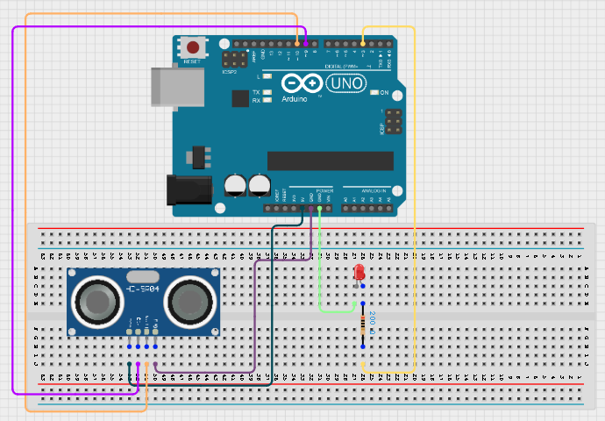
Step 2: Place the LED on the breadboard. Connect the longer leg (anode) to one leg of a resistor. Then, connect the other leg of the resistor to Digital Pin 3 and the shorter leg (cathode) to GND on the Arduino.
 .
.
Step 3: After completing the wiring, connect the Arduino Uno to the computer using the USB cable.
PROGRAMMING
Step 1: Open your Arduino IDE. See how to set up here: Getting Started.
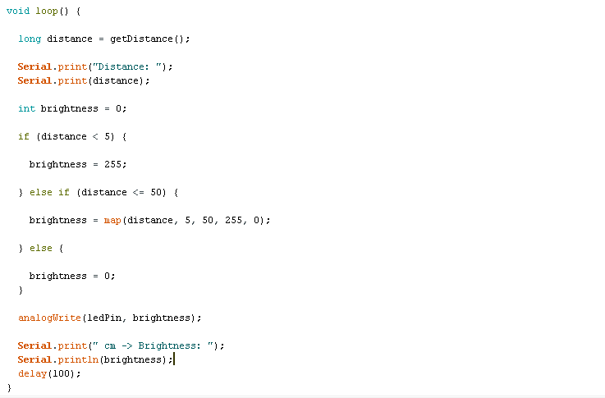
Step 2: Type the following codes;
 .
.
 .
.
Uploading the code
Step 1: Save your code. See the Getting Started section
Step 2: Select the arduino board and port See the Getting Started section:Selecting Arduino Board Type and Uploading your code.
Step 3: Upload your code. See the Getting Started section:Selecting Arduino Board Type and Uploading your code
OBERVATION
-
When your hand is very close to the sensor, the LED shines at maximum brightness.
-
As your hand moves away, the LED becomes dimmer.
-
At distances greater than 50 cm, the LED turns off.
-
The Serial Monitor displays both the measured distance and the LED brightness value.
CONCLUSION
This project demonstrates ultrasonic distance measurement, PWM-based brightness control, analog output simulation, and real-time sensor interaction. It provides a practical introduction to touchless control systems and shows how sensor data can be used to dynamically adjust electronic outputs.