Project 1.10.1:Noise Level Alarm
| Description | This project uses a sound sensor module to continuously monitor ambient noise levels. When the noise level exceeds a predefined threshold, a buzzer sounds an alarm to indicate excessive noise. |
|---|---|
| Use case | Noise monitoring, classroom noise alerts, workplace sound monitoring, environmental awareness systems. |
Components (Things You will need)
 |
 |
 |
 |
 |
 |
|---|---|---|---|---|---|
Building the circuit
Things Needed:
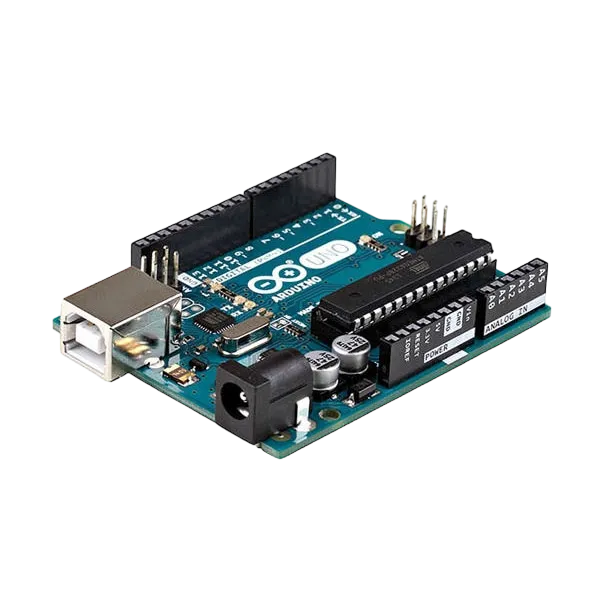
- Arduino Uno = 1
- Arduino USB cable = 1
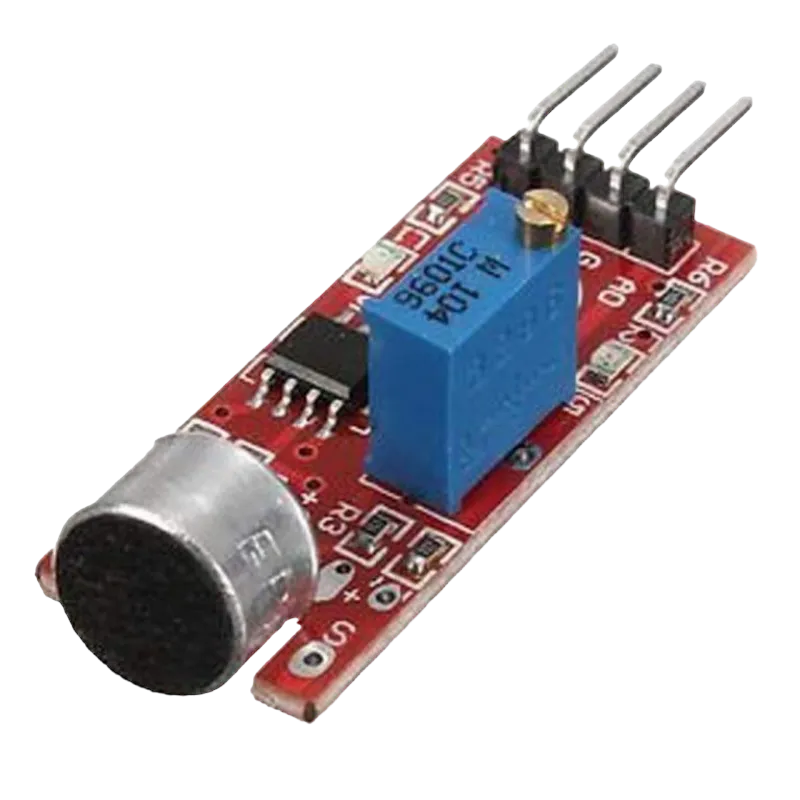
- Sound sensor = 1
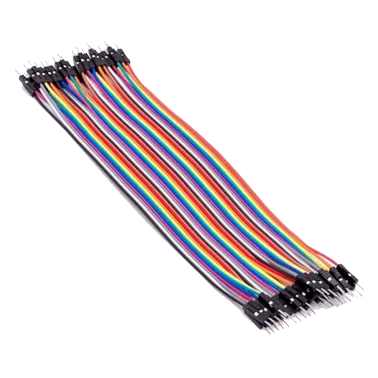
- Jumper Wires
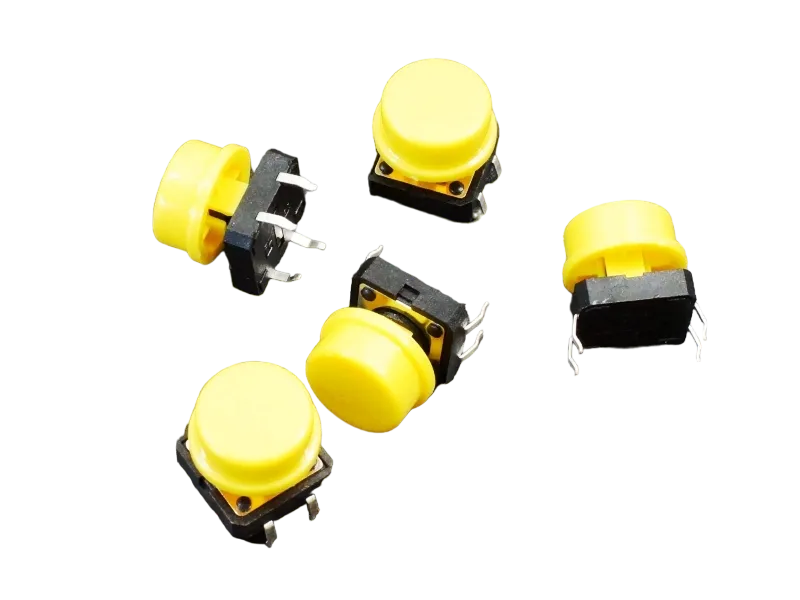
- Push button = 1
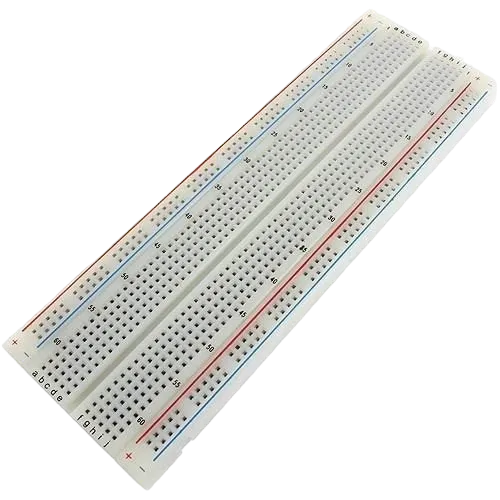
- Breadboard = 1
Mounting the component on the breadboard
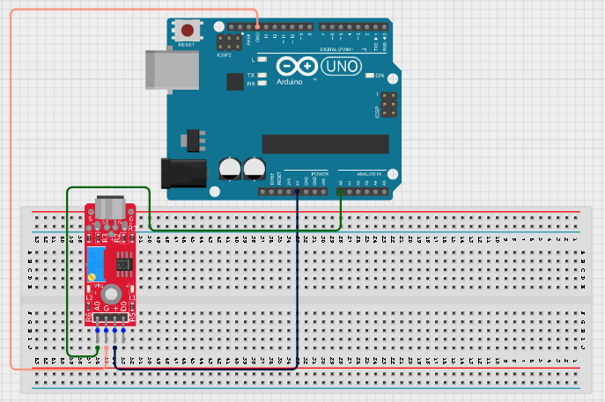
Step 1: Place the sound sensor module on the breadboard. Connect the VCC pin to 5V, the GND pin to GND, and the AO (Analog Output) pin to A0 on the Arduino using jumper wires.
 .
.
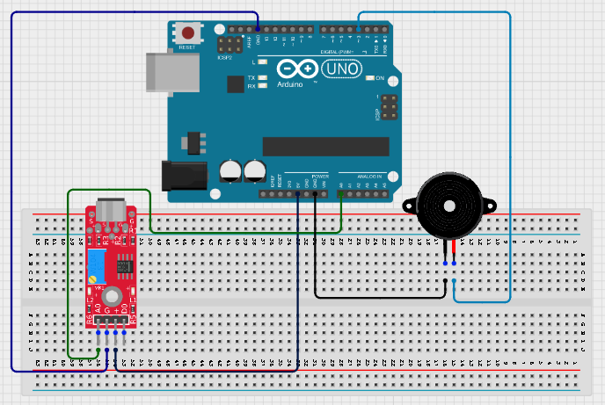
Step 2: Place the buzzer on the breadboard. Connect the positive (+) terminal to Digital Pin 3 and the negative (−) terminal to GND on the Arduino using jumper wires.
 .
.
Step 3: After completing the wiring, connect the Arduino Uno to the computer using the USB cable.
PROGRAMMING
Step 1: Open your Arduino IDE. See how to set up here: Getting Started.
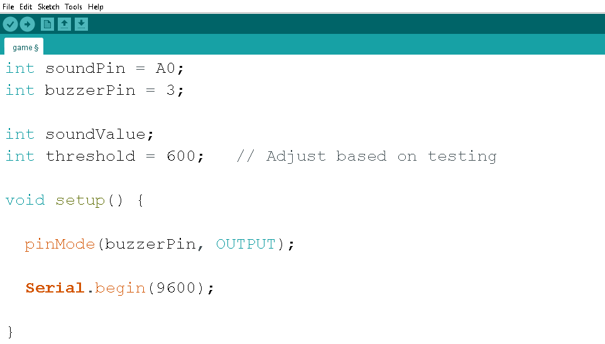
Step 2: Type the following codes before the void setup function.
int soundPin = A0;
int buzzerPin = 3;

int soundValue;
int threshold = 600;
Step 3: After the void setup ()within the curly brackets type the following codes.
pinMode(buzzerPin, OUTPUT);

Serial.begin(9600);
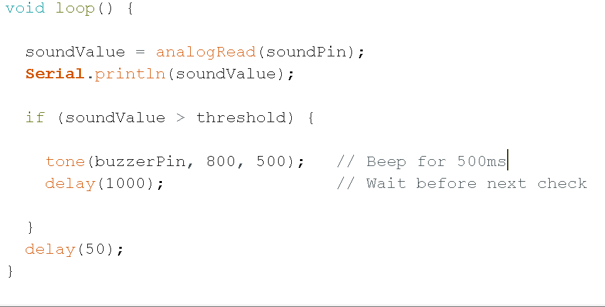
Step 4: : After the (void loop ()) within the curly brackets type
{
soundValue = analogRead (soundPin);
Serial.PrintIn(soundValue);

if (soundValue > threshold){
    tone(buzzerPin, 800, 500);
    delay(1000);

}
delay950
;
}
 .
.
 .
.
Uploading the code
Step 1: Save your code. See the Getting Started section
Step 2: Select the arduino board and port See the Getting Started section:Selecting Arduino Board Type and Uploading your code.
Step 3: Upload your code. See the Getting Started section:Selecting Arduino Board Type and Uploading your code
OBERVATION
When the surrounding environment is quiet:
-
The buzzer remains off.
-
The Serial Monitor displays lower sound values.
When a loud sound is detected (such as clapping, shouting, or tapping near the sensor):
-
The sound value increases.
-
The buzzer sounds an alarm.
-
The Serial Monitor displays higher sound readings. If the alarm triggers too easily or not easily enough, adjust the threshold value in the code.
CONCLUSION
This project demonstrates analog sensor reading, threshold comparison, sound level monitoring, buzzer control, and Serial Monitor communication. It provides a simple introduction to environmental sensing and alarm systems using Arduino.